
AnarDara Doctor — Medical Practice Platform
A complete multilingual website and practice management system for doctors: public website, online booking, patient records, prescriptions and billing.
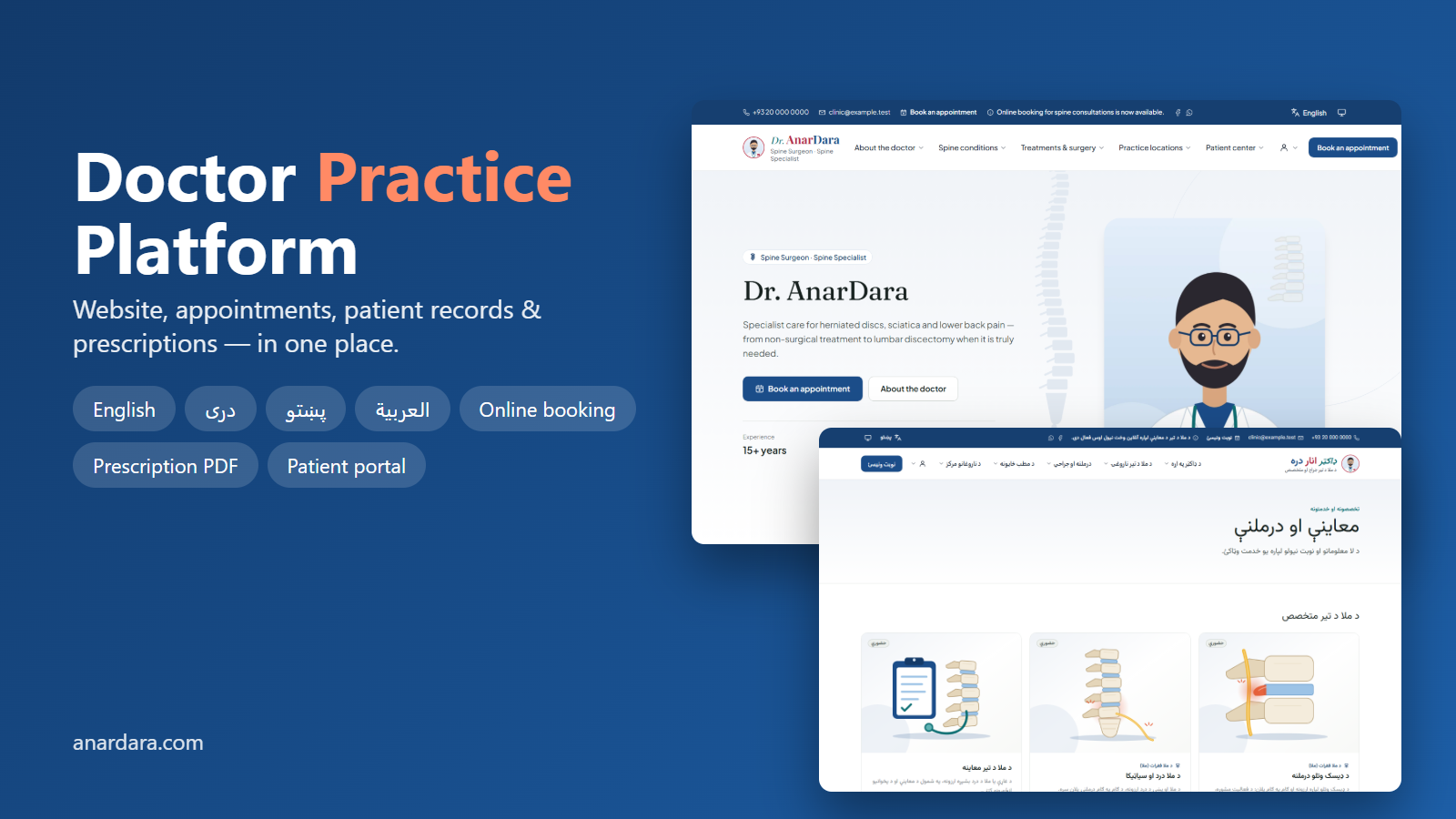
AnarDara Doctor gives an individual doctor a professional public website and a secure private workspace in one product. Patients can browse specialties and services, read articles, and book appointments online with real-time slots. The doctor and assistants manage patients, visit notes, clinical history, prescriptions with printable PDF templates, scheduling and billing. Every screen is fully available in English, Dari, Pashto and Arabic with right-to-left layouts and the Afghan Solar Hijri calendar. Built with privacy first: practice isolation, encrypted clinical records, audit logs and two-factor authentication.
Features
- - Public doctor website with reorderable homepage sections, mega menus, specialties, services, locations, articles, videos, FAQs and testimonials
- - Website design controls: colours, fonts, header layouts, buttons, live preview
- - Online booking with real-time slots, breaks, holidays, buffers and daily limits
- - Patient records, visit notes, clinical timeline and diagnoses
- - Prescriptions: draft → review → issued, with print designer (A4/A5/custom) and PDF in four languages
- - Medication catalog with CSV/XLSX import and undo
- - Assistant accounts with 21 granular permissions
- - Patient portal: appointments, prescriptions, documents, invoices and receipts
- - Billing, receipts, refunds and financial report
- - Email and in-app notifications and reminders
- - Google Calendar sync and online payment support
- - SEO: sitemap, robots, structured data, hreflang, redirects
- - Super administrator area: doctor verification, moderation, audit and security logs, system health
- - REST API ready for mobile apps
- - Security: encrypted clinical data, 2FA, throttling, security headers
Stack and requirements
- - PHP 8.3 or newer (extensions: pdo_mysql, mbstring, openssl, intl, gd, fileinfo, bcmath, zip, curl, xml)
- - MySQL 8.0+ or MariaDB 10.6+
- - Shared hosting (cPanel) or VPS; no Node.js or command line needed on the server
Documentation
Step-by-step installation guide (INSTALL.md) for cPanel shared hosting: create database, upload ZIP, import SQL (empty or demo data), configure settings and sign in. Includes troubleshooting table.
Reviews
Only verified buyers can write reviews. Log in
No reviews yet.
Community discussions
Ask the communityNo discussions about this product yet. Ask a question or share your experience.